The advantages of Kameleo.io
Kameleo.io provides a way to protect the user by defeating JavaScript fingerprinting technologies, including HTTP Client-Hints, Navigator, Screen, Time zone, Geolocation API, and a lot more. The app allows to prevent websites from obtaining actual IP address, protect yourself against WebRTC leaks, modify WebGL fingerprints, and even CSS-based font detection.
Kameleo lets clients manage all the browser profiles in one place. Each profile includes all the settings and data, like cookies, passwords, browser extensions, history, etc. It also makes it possible for team members to manage accounts across multiple browsers collectively.
Canvas fingerprinting is an attack vector used by ad networks to track users across the web, even if they have installed ad blockers. It does this by taking advantage of HTML5 canvas, which is a feature that allows websites to draw dynamic images on the fly.
Kameleo lets browsing with mobile profiles on a physical Android device or Virtual Machine. This is necessary because users cannot have the typical touch events and gestures in a desktop environment that are natively supported on Kameleo Mobile.
The platform isn’t just making browser automation easy but also alters the browser fingerprint automatically, resulting in the elimination of bot detection during website scraping. For more detailed insights on how to effectively scrape websites, check out our webinar:
How to set up proxy by iProxy.online in Kameleo antidetection browser
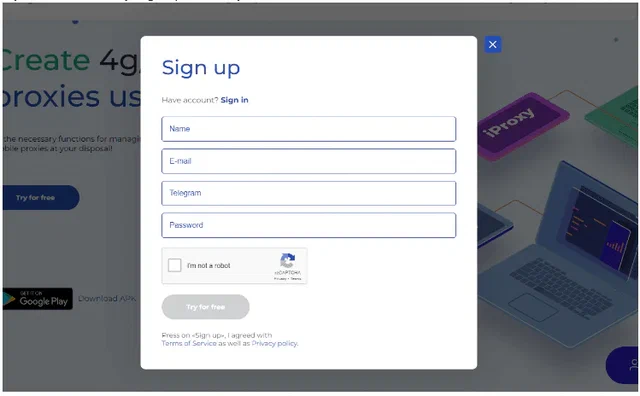
- If you haven’t already, sign up for iProxy.online or sign in your account
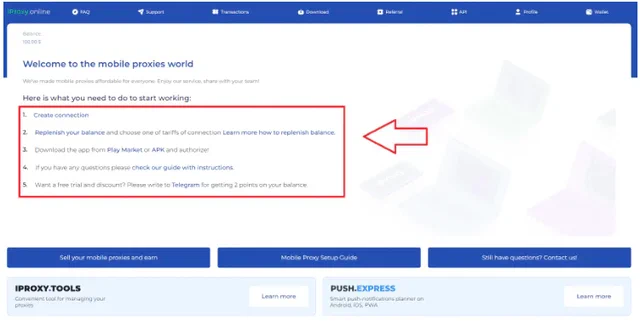
- Create your proxy
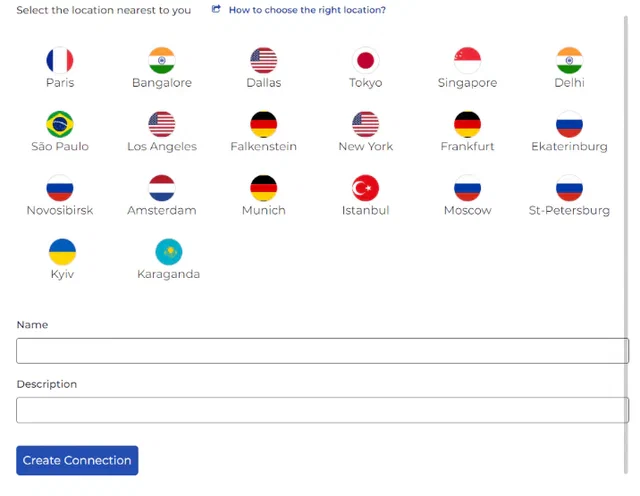
Select the location nearest to you and name the connection
3.Download the iProxy Android app from the Play store

- Install it, log in with your credentials
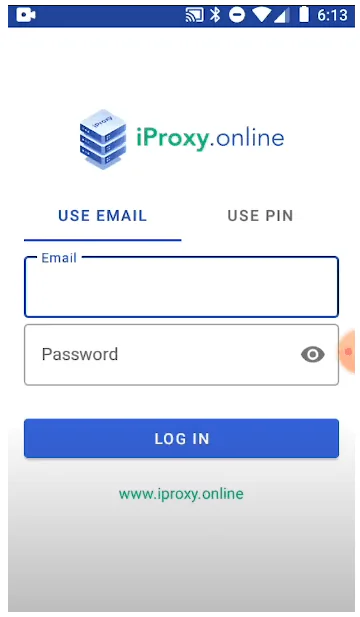
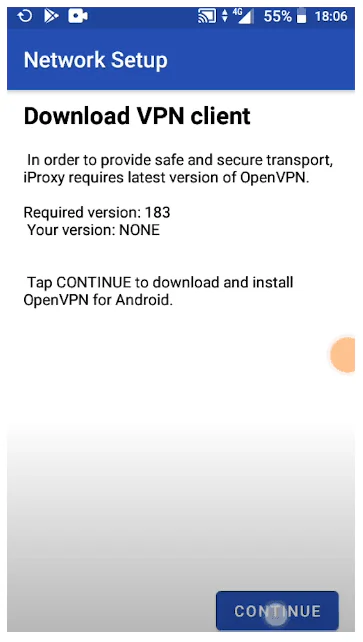
- Configure OpenVPN by following a few easy steps through the iProxy app
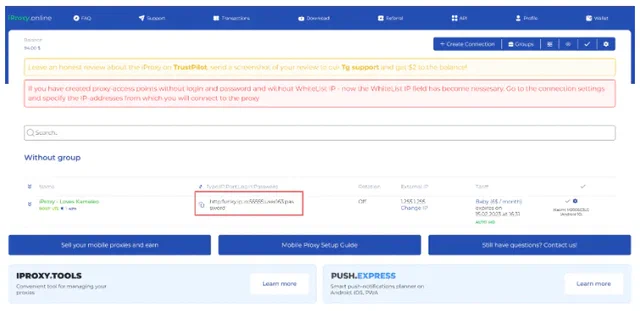
- You should be see proxy credentials on your dashboard (the connection turns green when proxy is online)
- Copy proxy into Kameleo and test it
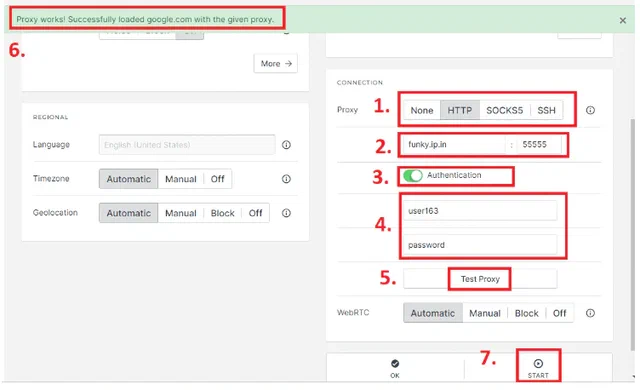
- Enjoy your new proxy
Video review: